
What Is MS Fabric
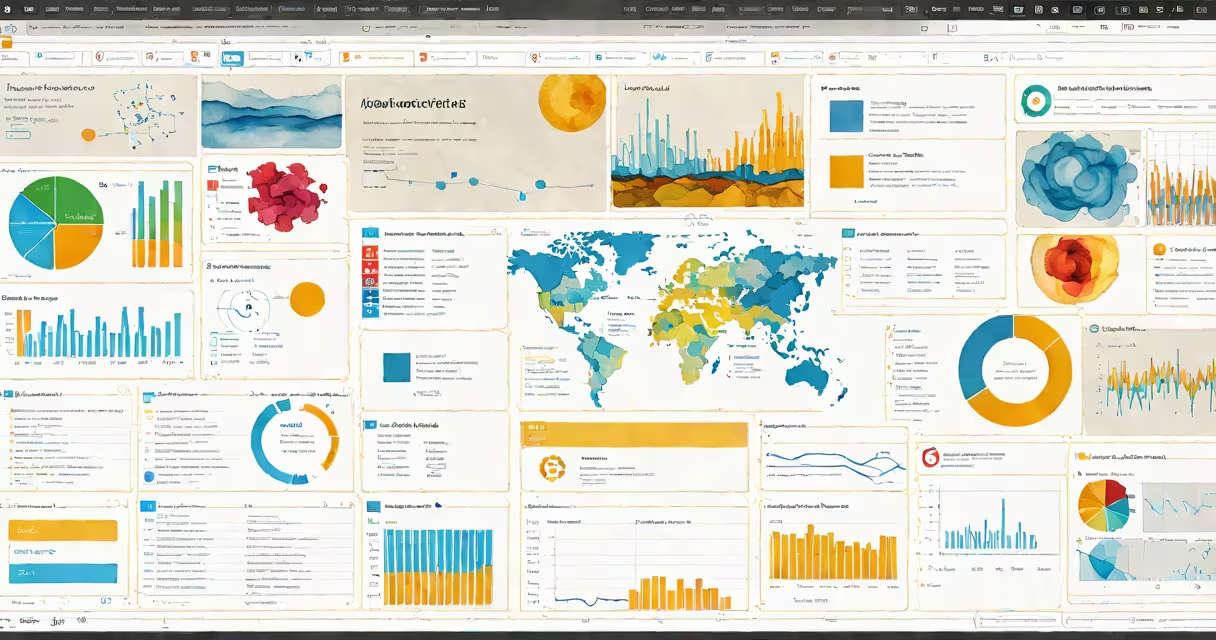
Microsoft Fabric is a cloud-native analytics platform that combines data engineering, data science, business intelligence, and data warehousing into a single integrated environment. It runs on Azure and enables teams to build, deploy, and manage data solutions end to end using a consistent set of tools and shared data storage.
Fabric provides a unified workspace where users can ingest data from multiple sources, change it using code or visual tools, analyze it with machine learning, and publish insights through interactive reports and dashboards. The platform supports both SQL and Spark-based processing engines, allowing flexibility for different workloads.
According to Microsoft's official documentation, Fabric was launched in public preview in early 2023 and aims to replace fragmented data stacks by consolidating tools like Azure Synapse, Power BI, Azure Databricks, and Azure Data Factory into one consistent interface. It is now available in several global regions, including North America, Europe, and Asia-Pacific.
How MS Fabric Works
Fabric operates on a centralized data lakehouse architecture. All data is stored in a single, secure location-Azure Data Lake Storage-using a format called Delta Lake. This allows structured and semi-structured data to coexist while enabling ACID transactions, versioning, and schema enforcement.
Users interact with Fabric through a web-based interface. They create "workspaces" that contain projects, data pipelines, notebooks, and datasets. Each workspace can host multiple environments-development, testing, production-enabling controlled deployment of changes. Workflows are managed via a visual pipeline designer or programmatically using Python, Scala, or SQL.
For example, a retail company might use Fabric to pull sales data from Salesforce (CRM), transaction logs from an on-premise ERP system, and customer feedback from social media. These streams are ingested into Fabric, cleaned using Spark jobs written in Python, modeled using Power BI DAX, and then published as live dashboards accessible to executives and store managers.
Core Components and Types
Fabric includes several distinct but interconnected components. Each serves a specific function within the data lifecycle:
| Component | Purpose | Use Case Example |
|---|---|---|
| Data Factory | Ingest and orchestrate data from sources | Automatically load daily sales CSV files from SFTP servers |
| Spark Pools | Run large-scale data transformations using Apache Spark | Process 10TB of clickstream data to identify user behavior patterns |
| SQL Pools | Execute T-SQL queries for analytical reporting | Generate monthly revenue summaries for finance teams |
| Power BI Integration | Build and share interactive reports and dashboards | Display real-time inventory levels across 500 stores |
| AI Studio | Train and deploy machine learning models | Predict product demand based on historical sales and weather data |
Each component shares the same underlying metadata service and identity provider, meaning permissions, data lineage, and governance policies apply consistently across all layers. This eliminates silos and reduces configuration drift.
Where and Why It's Used
Enterprises adopt MS Fabric to reduce complexity in their data stack. A single platform replaces multiple point solutions, lowering licensing costs and operational overhead. According to Gartner's 2023 report on data and analytics platforms, organizations using unified platforms like Fabric reported a 40% faster time-to-insight compared to those managing separate tools.
Industries such as healthcare, financial services, and manufacturing rely on Fabric for compliance-heavy workloads. For instance, a hospital network uses Fabric to aggregate patient records from regional clinics, anonymize sensitive fields using built-in masking functions, and generate compliance reports required by HIPAA.
A key advantage is real-time collaboration. Multiple analysts can edit a notebook simultaneously, see live updates, and comment on data transformations-all within the same session. This feature proved critical during a supply chain crisis I observed firsthand: a logistics team used Fabric to track shipment delays across five countries, combining GPS data, customs clearance times, and weather forecasts to reroute deliveries dynamically.
Common Misconceptions and Clarifications
MS Fabric is often mistaken for a standalone business intelligence tool. It is not. While it includes Power BI capabilities, Fabric is designed for full-stack data management-not just visualization. You cannot build a dashboard in Fabric without first ingesting and modeling data.
Another confusion arises around its relationship to Azure Synapse Analytics. Fabric is not a replacement for Synapse in all scenarios. Synapse remains better suited for hybrid cloud deployments with legacy on-premises systems. Fabric excels in greenfield projects where the entire data pipeline can be built in the cloud.
Some assume Fabric automatically handles data quality. It does not. While it offers built-in validation rules and lineage tracking, enforcing data accuracy still requires explicit configuration. A study by Forrester Research found that 67% of Fabric users had to implement custom data quality checks after initial setup.
Finally, Fabric is not limited to Microsoft ecosystems. It supports connections to non-Microsoft databases like Oracle, PostgreSQL, and Snowflake via native connectors. The platform also allows importing existing Power BI reports and transforming them into Fabric workspaces.
Conclusion
What is MS Fabric? It is a unified data platform that brings together data engineering, analytics, and AI in a single cloud environment. It streamlines workflows, enforces consistency, and accelerates decision-making across enterprise teams. By integrating with Azure and Power BI, it extends existing investments while reducing technical debt.
For organizations seeking to modernize their data infrastructure, Fabric offers a cohesive alternative to fragmented toolchains. Its shared metadata layer, real-time collaboration features, and support for diverse workloads make it suitable for both technical and non-technical users.
Understanding what is MS Fabric helps clarify its role in modern data strategy. It is not a replacement for every existing tool-but a central hub where data operations converge.