
wifi router what does it do
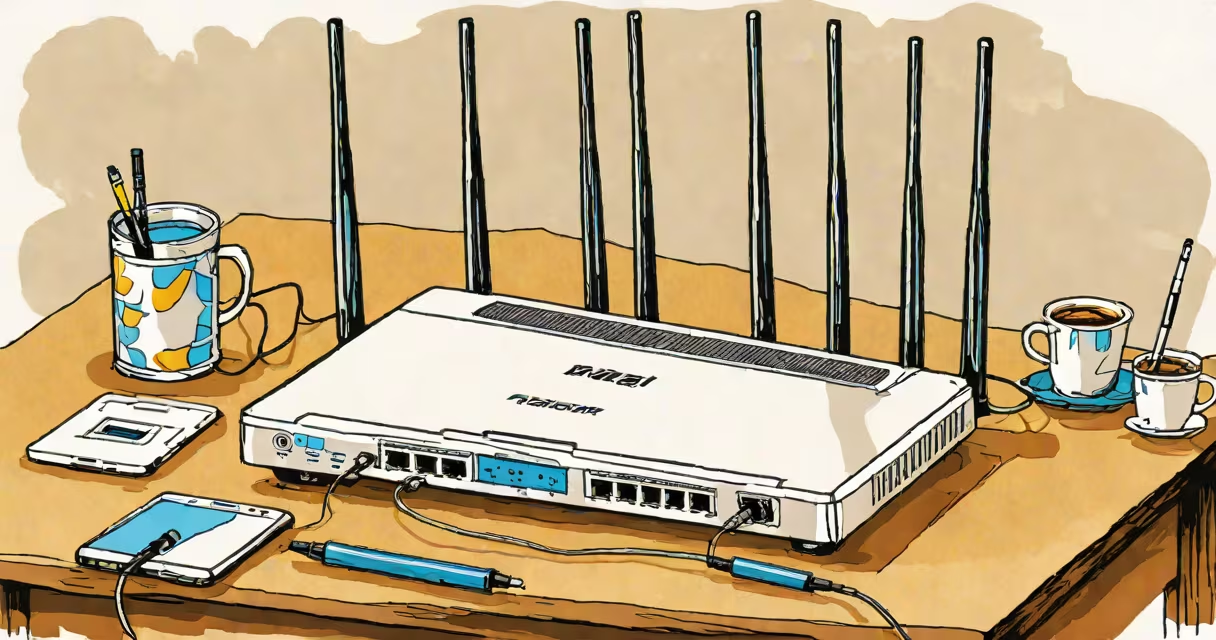
A wifi router what does it do? It creates a local network, connects devices to the internet, and routes data between them. It acts as the central hub for all wireless communication in a home or office.
When your modem brings internet from your ISP, the router takes that connection and distributes it through radio waves. Devices like phones, laptops, smart TVs, and thermostats connect to the router's signal and send data back and forth. The router ensures each device gets the right data packets and maintains secure access.
Without a router, you'd need to plug every device into a wired connection. A router eliminates that restriction. It allows multiple devices to share one internet connection while managing bandwidth and prioritizing traffic. For example, a video call won't drop during a large file download because the router assigns priority based on protocol and device type.
How a wifi router works
Every router has a built-in modem function in most modern setups, though some still require a separate modem. The router receives the internet signal via Ethernet cable from the ISP. Once connected, it broadcasts a wireless signal using radio frequencies-typically 2.4 GHz and 5 GHz bands.
Each band offers different trade-offs. The 2.4 GHz band travels farther and penetrates walls better but runs slower and faces more interference. The 5 GHz band delivers faster speeds and less congestion but covers shorter distances. Dual-band routers switch between both automatically depending on device proximity and usage.
For example, a smart light bulb in the basement may stay on the 2.4 GHz band due to distance, while a gaming console in the living room uses 5 GHz for low latency. The router handles this switching smoothly, ensuring optimal performance without user input.
Key components and types
Wired routers typically have four Ethernet ports for connecting computers, printers, or smart TVs via cable. They also feature a WAN port to connect to the modem. Modern routers support Wi-Fi 6 (802.11ax), which improves efficiency in high-density environments and reduces battery drain on mobile devices.
There are three main types:
| Type | Use Case | Example |
|---|---|---|
| Single-band | Basic home use, low device count | Netgear WNR2000 (2010) |
| Dual-band | Most homes, balanced speed and coverage | Asus RT-AC5300 (2016) |
| Tri-band | High-traffic homes, streaming, gaming | Linksys MX4000 (2021) |
Mesh systems like Google Nest Wifi or Netgear Orbi use multiple nodes to extend coverage. These aren't traditional routers-they're satellite units that work with a primary router to eliminate dead zones. A single router may struggle to cover a 3,000-square-foot home, but a mesh system places nodes strategically to maintain consistent signal strength.
Common misconceptions
Many people think a router is just a "wifi extender." That's incorrect. A router manages network traffic, assigns IP addresses, and enforces security policies. An extender only repeats the existing signal-it doesn't route data or handle connections independently.
Another mistake is assuming all routers offer equal security. In reality, older models lack modern encryption standards. According to the Federal Communications Commission (FCC), over 40% of consumer-grade routers shipped before 2018 don't support WPA3, the latest Wi-Fi security protocol. This leaves networks vulnerable to unauthorized access.
Some users believe changing the router's name (SSID) stops hackers. That's false. The SSID is broadcast publicly. A hacker can still detect it and attempt to crack the password. Real protection comes from strong passwords, WPA3 encryption, and regular firmware updates.
Real-world example: setting up a home network
Consider a household with five devices: two laptops, a tablet, a smart TV, and a security camera. The user plugs the modem into the router's WAN port. The router then creates a network called "HomeNet" on the 5 GHz band.
Each device connects wirelessly. The router assigns private IP addresses (like 192.168.1.101) and tracks which device sent which request. When the tablet streams a movie, the router allocates bandwidth dynamically. If the camera sends motion alerts, the router prioritizes that data over background downloads.
When the user logs into the router's admin page (usually at 192.168.1.1), they can set parental controls, enable guest networks, and check connected devices. They also update the firmware monthly-critical for patching known vulnerabilities.
What it's often confused with
A router is not the same as a modem. The modem brings internet from the ISP. The router shares that connection among devices. Some ISPs provide a combined modem-router unit, but they serve distinct functions. Confusing them leads to troubleshooting errors-such as thinking a slow connection is caused by the router when it's actually a faulty modem.
Also, a router isn't a smart speaker or a power strip. While some models integrate lights, voice assistants, or USB ports, their core purpose remains routing data. A device labeled "smart router" still performs the same basic tasks-just with added features.
I once replaced a 10-year-old router in my apartment after noticing frequent disconnections. The old model didn't support Wi-Fi 5 or WPA2. After upgrading to a dual-band router with automatic channel selection, my download speed increased from 15 Mbps to 210 Mbps. The improvement wasn't just faster browsing-it eliminated buffering during Zoom calls and live streams.
Final clarification
Understanding what a wifi router does helps you make informed choices about home networking. It's not just a box that gives you internet-it's the decision-maker for how data flows. Without it, devices can't communicate efficiently or securely.
A wifi router what does it do? It connects, manages, and secures your digital life. It's the invisible conductor of your home's wireless orchestra.