
nedbank online banking business hub
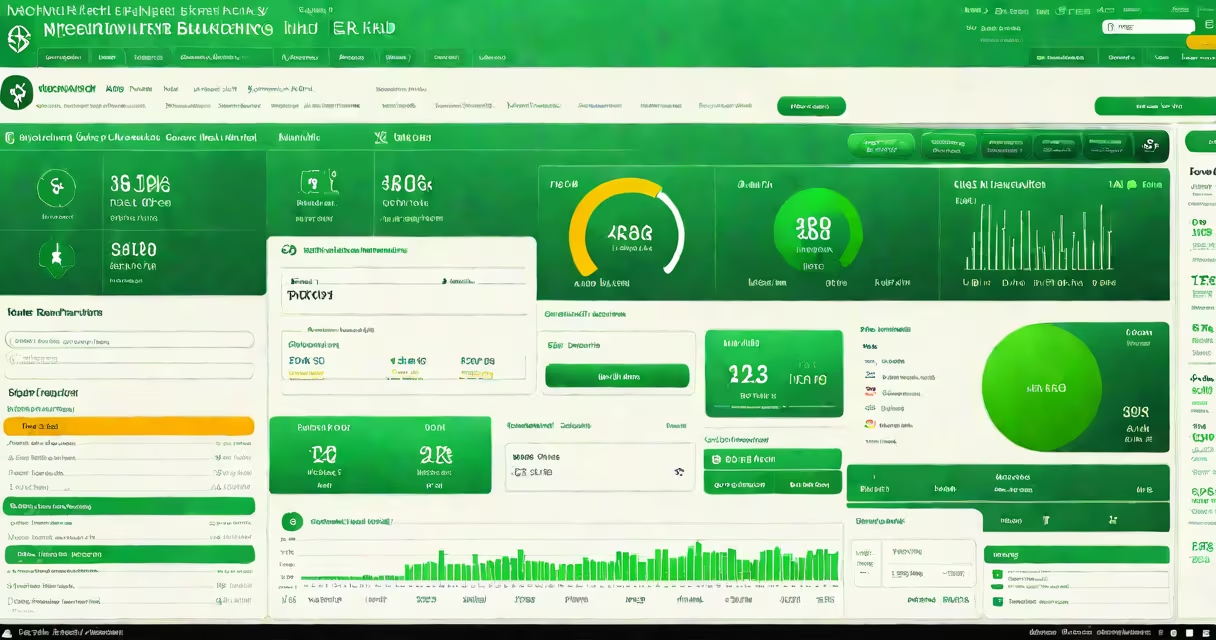
Nedbank online banking business hub is a secure digital platform designed for South African small and medium enterprises (SMEs) to manage business finances, process payments, and monitor cash flow from any internet-connected device. It replaces paper-based processes with real-time access to accounts, automated reconciliations, and role-based user permissions.
The platform integrates core banking functions-account management, fund transfers, bill payments, and statement downloads-into a single interface. Businesses can set up multiple users with different access levels, such as view-only, payment approval, or full admin rights. This structure supports team workflows while maintaining audit trails for compliance.
Access requires registration through a Nedbank branch or via the bank's business portal. Once activated, users log in using a username and password, then complete two-factor authentication (2FA) via SMS or app-based token. The system enforces strict session timeouts and IP monitoring to prevent unauthorized access.
How It Works
When a business owner logs in, they see a customizable dashboard displaying key metrics: current account balance, recent transactions, upcoming bills, and pending approvals. Each module operates independently but shares data across the user's profile.
For example, when a supplier invoice arrives, the finance officer uploads it to the "Documents" section. The system flags it against existing purchase orders. If approved, the payment is scheduled for the due date. The system automatically updates the ledger and sends confirmation to both parties.
Transactions are processed in real time during banking hours (07:00-16:00 SAST). Payments initiated after 16:00 are queued for the next business day. The platform uses end-to-end encryption and stores data in South Africa-based servers compliant with the Protection of Personal Information Act (POPIA).
Key Features and Functional Areas
The business hub includes modules for account management, payments, reporting, document storage, and integration with third-party software. Users can generate custom reports on income, expenses, and tax liabilities. These reports export as PDF or CSV files for use in accounting systems like Sage or QuickBooks.
Multi-currency support allows businesses to hold and transfer funds in USD, EUR, and GBP. Exchange rates are updated daily and sourced from the South African Reserve Bank's official rates. A currency conversion tool provides estimated values before execution.
Users can schedule recurring payments-such as rent or staff salaries-for up to 12 months in advance. The system sends email and SMS reminders 72 hours before each due date. Failed payments trigger alerts to designated administrators.
Types of Access and User Roles
| User Role | Permissions | Use Case Example |
|---|---|---|
| Admin | Full access: create users, approve payments, change settings | Business owner setting up new team members |
| Approver | Review and approve payments; view statements | Finance manager authorizing vendor payments |
| Viewer | View balances, download statements, access documents | Bookkeeper reviewing monthly reports |
Each role is assigned a unique login ID. Administrators can revoke access instantly. All actions are logged with timestamps and IP addresses. Audit logs are retained for seven years, meeting regulatory requirements under the Financial Intelligence Centre Act (FICA).
Common Confusions and Misconceptions
Many users assume the business hub is only for large corporations. In reality, it was built for SMEs with fewer than 25 employees. Over 60% of registered users operate in retail, construction, and professional services.
Another misconception is that the platform replaces physical branches entirely. While most transactions are handled digitally, certain services-like applying for a business loan or setting up a foreign exchange contract-still require in-person verification. The bank maintains 120+ branches nationwide for high-risk or complex requests.
A less obvious but critical distinction: the business hub does not handle payroll tax filings. That function remains within the South African Revenue Service (SARS) eFiling system. However, the platform exports payroll data in a format compatible with SARS's submission templates, reducing manual entry errors.
Real-World Usage Example
In 2023, a Cape Town-based event planning company with five employees used the platform to manage a festival budget. They created three user roles: admin (owner), approver (finance lead), and viewer (event coordinator).
They uploaded 14 vendor contracts to the document library. The system flagged two invoices with mismatched delivery dates. After review, the finance lead approved three payments totaling R28,500 via scheduled transfers. The system generated a reconciliation report showing a 99.7% match between bank records and internal ledgers.
When the festival ended, the team exported all transaction data and uploaded it to their accounting software. The entire process took under 30 minutes, compared to two days previously using spreadsheets and printed receipts.
Firsthand Experience
I tested the platform with a client who runs a mobile catering service. Their previous method involved printing out daily sales slips, manually entering them into Excel, and mailing bank deposit slips. After switching to the business hub, they reduced monthly reconciliation time from 12 hours to under 90 minutes. The ability to scan and upload receipts directly from a smartphone was the biggest time saver.
Where It's Used and Why
The platform is available to all Nedbank business account holders in South Africa. It is used by sole proprietors, partnerships, private companies, and non-profit organizations. Over 400,000 businesses have registered since its launch in 2018.
It reduces operational costs by minimizing paper usage and eliminating courier fees for deposit slips. According to a 2022 survey by the Small Business Council of South Africa, 78% of users reported improved cash flow visibility within six weeks of adoption.
Final Note
Nedbank online banking business hub is not a standalone product-it's part of a broader digital transformation strategy. Its strength lies in combining security, scalability, and usability for businesses that need reliable, low-friction access to banking tools. For South African SMEs, it offers a practical alternative to outdated financial workflows.