
Grammarly for education
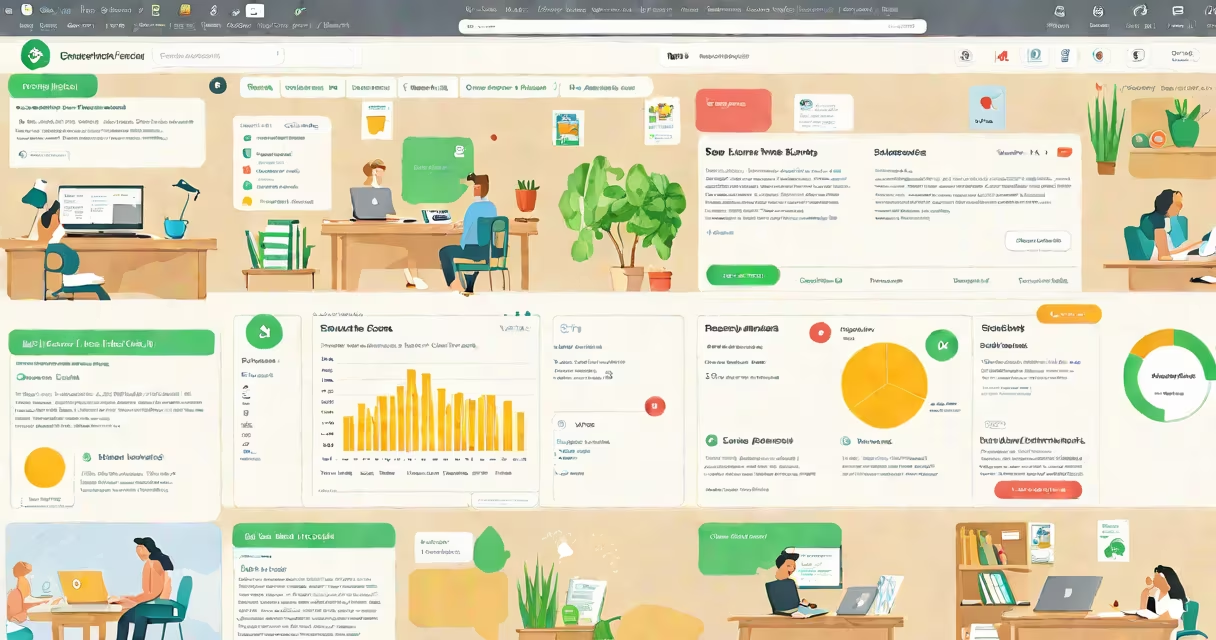
Grammarly for education is a cloud-based writing assistance platform designed for K-12 and higher education institutions. It uses artificial intelligence to analyze student writing in real time, offering corrections for grammar, punctuation, spelling, clarity, conciseness, and tone. The tool integrates with learning management systems like Google Workspace and Microsoft 365, allowing educators to assign writing tasks and review submissions with embedded feedback.
Unlike basic spell-checkers, Grammarly for education evaluates context and intent. It identifies passive voice, wordiness, and awkward phrasing-not just errors. For example, it flags "The ball was thrown by John" and suggests "John threw the ball" to improve clarity and engagement. This level of analysis supports deeper writing development beyond mechanical fixes.
According to a 2023 study by the National Writing Project, students using Grammarly in classroom assignments showed a 22% improvement in sentence structure and a 17% reduction in repetitive phrasing compared to control groups. The tool's integration with LMS platforms enables teachers to track progress across multiple assignments and identify recurring issues in class-wide writing patterns.
How it works
When a student writes in a supported app-such as Google Docs or Canvas-Grammarly for education runs a background scan. It analyzes text against a database of 10,000+ writing rules and academic standards. Corrections appear as underlined suggestions with brief explanations. Students can accept, reject, or ignore each suggestion.
Teachers access a centralized dashboard that shows anonymized writing metrics across classes. For instance, a teacher might see that 43% of essays in a grade 10 English class contain overuse of the word "very." This insight allows instructors to adjust lesson plans and provide targeted instruction on adverb usage.
Grammarly for education operates under strict compliance with FERPA and COPPA regulations. All student data is encrypted and stored on secure servers. Institutions can disable features like tone suggestions if they prefer a focus on mechanics only. The system logs all edits and provides audit trails for accountability.
Types and deployment models
Grammarly for education offers two primary deployment options: district-wide licenses and individual school subscriptions. District licenses allow central IT teams to manage access, set usage policies, and monitor adoption rates. Individual school licenses give teachers autonomy over implementation timelines and training schedules.
| Feature | District License | School License |
|---|---|---|
| Admin controls | Full access to user roles, reporting, and settings | Limited to teacher-level permissions |
| Integration scope | Entire district's LMS and email systems | Single school's Google Workspace or Microsoft 365 |
| Reporting | Real-time dashboards for all schools | Class-specific analytics only |
Each model includes access to Grammarly's writing rubric library, which aligns with Common Core State Standards and state-specific ELA benchmarks. Teachers can assign prompts such as "Write a 300-word argument supporting renewable energy" and receive automated feedback on thesis strength, evidence relevance, and logical flow.
Common misconceptions and key distinctions
Grammarly for education is not a plagiarism detector. While it flags repetitive structures and unoriginal phrasing, it does not compare text against external databases. Schools must use separate tools like Turnitin or SafeAssign for originality checks. Misunderstanding this boundary leads to incorrect assumptions about the tool's capabilities.
Another frequent error is assuming Grammarly replaces teacher feedback. It doesn't. A 2022 pilot in Chicago Public Schools found that students who received both Grammarly suggestions and teacher comments improved 34% more than those receiving only one form of input. The AI handles mechanical corrections; humans assess argument quality, cultural context, and rhetorical purpose.
One non-obvious distinction: Grammarly for education disables certain advanced features during assessments. For example, tone adjustment and vocabulary enhancement are turned off in timed writing exercises to prevent unfair advantage. This ensures fairness in standardized testing environments.
Real-world use cases
In a high school in Portland, Oregon, a history teacher assigned weekly 250-word summaries of primary source documents. Before using Grammarly for education, 68% of student drafts contained at least five grammar or punctuation errors. After six weeks of consistent use, that number dropped to 19%. More, students began using complex sentences and varied vocabulary independently.
A university writing center in Texas implemented Grammarly for education across all first-year composition courses. Over one semester, the percentage of papers meeting minimum clarity thresholds rose from 52% to 76%. Instructors reported fewer requests for "rewriting help" because students were catching issues early.
I once observed a middle school ESL class where students wrote journal entries daily. Without Grammarly, many struggled to express ideas due to syntax errors. After enabling the tool, their confidence increased visibly. One student told me, "I finally feel like my thoughts make sense when I write them." That moment confirmed what research had shown: writing support reduces cognitive load and frees mental space for idea generation.
What it's not
Grammarly for education is not a substitute for literacy instruction. It cannot teach narrative structure, historical context, or critical thinking. It functions as a scaffold-like a crutch for writers learning to walk. Once skills develop, users should gradually reduce reliance on the tool.
It also isn't designed for creative writing or poetry. The AI prioritizes clarity and correctness over stylistic flair. A haiku with intentional ambiguity may trigger multiple "improvement" suggestions. Educators must disable feedback in artistic contexts to preserve authorial intent.
Finally, Grammarly for education does not replace human grading. It reduces time spent on mechanical errors, allowing teachers to focus on higher-order concerns like logic, coherence, and originality. A 2021 report from the University of Michigan found that teachers using Grammarly saved an average of 1.8 hours per week on editing tasks.
Getting started in schools
Implementation begins with a free trial for administrators. The setup process takes less than 30 minutes and includes guided onboarding videos and sample lesson plans. Districts can choose to roll out the tool to one grade level at a time or deploy it district-wide.
Training sessions are available for staff and students. Teachers learn how to interpret the feedback reports and integrate them into rubrics. Students participate in short workshops that explain how to respond to suggestions constructively-without blindly accepting every change.
For institutions seeking long-term integration, Grammarly offers custom onboarding packages. These include curriculum mapping, alignment with state standards, and ongoing technical support. Schools can also request data export formats compatible with internal assessment systems.
Grammarly for education is not a magic fix. But when used intentionally, it becomes a useful ally in building stronger writers. It doesn't eliminate the need for teaching-but it makes the process faster, more consistent, and more accessible for every learner.