
What Are Serial Ports
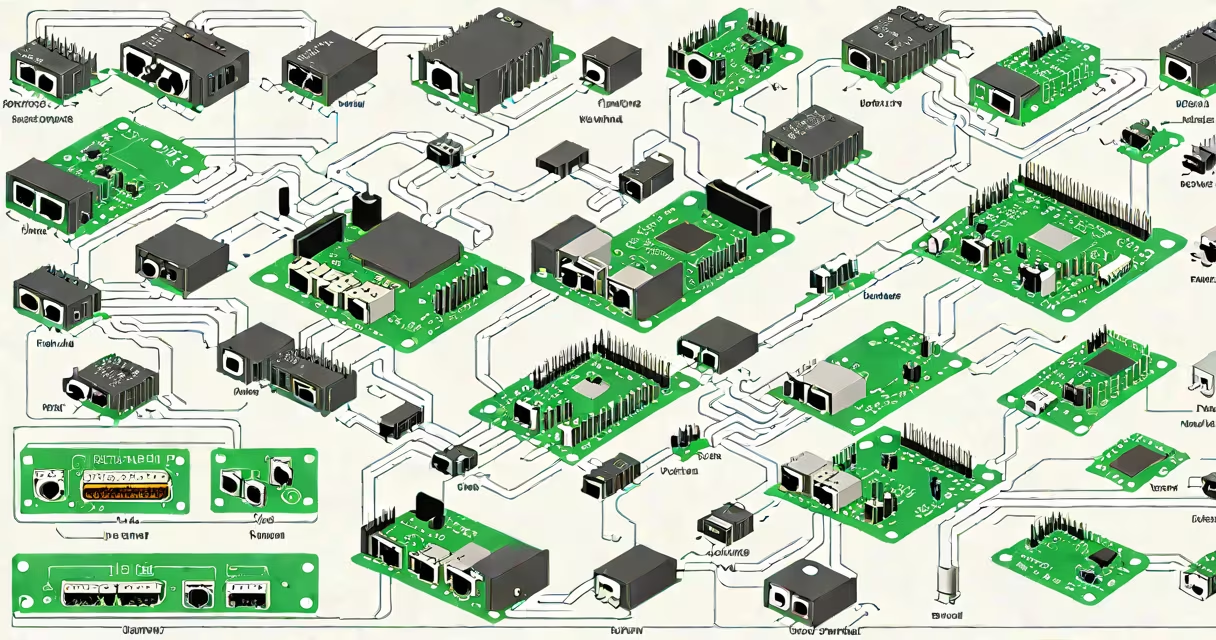
Serial ports are hardware interfaces that transmit data one bit at a time over a single wire, typically using the RS-232 standard. They enable communication between computers and external devices such as modems, industrial sensors, and older peripherals.
These ports send data sequentially-bit by bit-over a single channel, unlike parallel ports that move multiple bits simultaneously. This method reduces wiring complexity and supports longer cable runs with less interference. The most common physical form is the DB9 connector, though older systems used DB25.
Serial ports remain in use today for embedded systems, automation equipment, and specialized hardware where reliability and simplicity outweigh speed. They're often found in industrial control panels, medical devices, and network routers.
How Serial Ports Work
Data travels through a serial port as a stream of binary digits-ones and zeros-sent one after another along a single conductor. A clock signal synchronizes sender and receiver, ensuring accurate timing. The sender encodes each bit using voltage levels: positive for 1, negative for 0, according to RS-232 specifications.
Each transmission includes start and stop bits to frame the data. For example, sending the byte 0b01000001 (ASCII 'A') requires eight data bits plus one start bit and one stop bit, totaling ten bits per character. This framing prevents misalignment during long transmissions.
Communication speed is measured in baud rate-the number of signal changes per second. Common rates include 9600, 19200, 38400, and 115200 baud. Higher rates increase throughput but demand tighter timing and better cabling. A 9600 baud connection transmits roughly 960 characters per second.
Types and Physical Forms
Serial ports come in several forms based on connector size and signaling protocol. The most widespread is the DB9 (9-pin D-subminiature), used in PCs from the 1980s through the early 2000s. Pins 2 (transmit), 3 (receive), and 5 (ground) carry the core signals.
Older systems used DB25 connectors, which have 25 pins and were standard on early IBM PCs. Modern implementations may use USB-to-serial adapters, which emulate traditional COM ports via virtual serial drivers. These adapters convert USB signals into RS-232-compatible voltage levels.
| Type | Connector | Typical Use | Signal Standard |
|---|---|---|---|
| RS-232 | DB9 or DB25 | Industrial equipment, legacy systems | ±12V logic levels |
| USB-to-Serial | USB Type-A/B | Modern PC expansion, Arduino programming | Virtual COM port via driver |
| TTL Serial | 3.3V or 5V header pins | Microcontrollers, Raspberry Pi, ESP32 | Logic-level voltages, not RS-232 |
Important distinction: TTL serial uses 0V and 3.3V/5V logic levels, not the ±12V used in RS-232. Connecting them directly causes damage. Level shifters or dedicated ICs like the MAX3232 are required to convert between standards.
Common Uses and Real-World Applications
Serial ports persist in environments where low latency, predictable behavior, and minimal configuration are essential. Industrial automation relies heavily on serial communication for PLCs (programmable logic controllers), barcode scanners, and machine vision systems.
For example, a factory conveyor belt system uses a serial connection to link a motor controller to a central PLC. Data flows at 115200 baud, transmitting status updates every 10 milliseconds. The simplicity of the protocol ensures consistent performance even under electromagnetic noise.
Network administrators also use serial consoles to configure routers and switches. When a device loses network access, the console port allows direct command-line entry via a terminal emulator like PuTTY or minicom. This bypasses IP-based setup entirely.
A personal project I built involved connecting a Raspberry Pi to a GPS module using a serial interface. The GPS sent NMEA 0183 messages at 9600 baud. After setting the correct baud rate and enabling the serial port in the OS, the Pi parsed location data in real time. No complex protocols-just raw bytes arriving steadily.
What Serial Ports Are Not
Serial ports are not the same as USB, Ethernet, or HDMI. They do not support high-speed data transfer or plug-and-play auto-detection. A serial port cannot stream video or audio natively. Its purpose is narrow: reliable, low-bandwidth communication between two endpoints.
Many people confuse serial ports with parallel ports (like LPT1). Parallel ports send 8 bits simultaneously over eight wires, making them faster for short distances-but more prone to crosstalk and timing issues. Parallel ports were used for printers and older hard drives, but have largely disappeared since the 2000s.
Another misconception: serial ports are not obsolete. While modern PCs rarely include native serial ports, their functionality lives on through USB adapters. The Linux kernel recognizes these as virtual COM ports (e.g., /dev/ttyUSB0), and Windows assigns COM numbers dynamically. This continuity ensures backward compatibility.
Why They Still Matter
Despite being decades old, serial communication remains important in mission-critical systems. According to the IEEE, RS-232 is still referenced in over 70% of industrial control standards published between 2015 and 2023. Its predictability makes it ideal for safety-critical applications where failure is unacceptable.
Even in consumer electronics, serial interfaces appear in unexpected places. Smart home hubs often use serial connections to communicate with sensor nodes. Automotive diagnostics tools connect via OBD-II, which uses a serial-like protocol derived from ISO 9141-2.
Understanding serial ports isn't about nostalgia-it's about recognizing a foundational layer of computing. When a system fails to boot, engineers still check serial console output. When firmware won't flash, they fall back to serial programming. The simplicity of serial remains unmatched for debugging and low-level control.