
What Does Backlog Mean
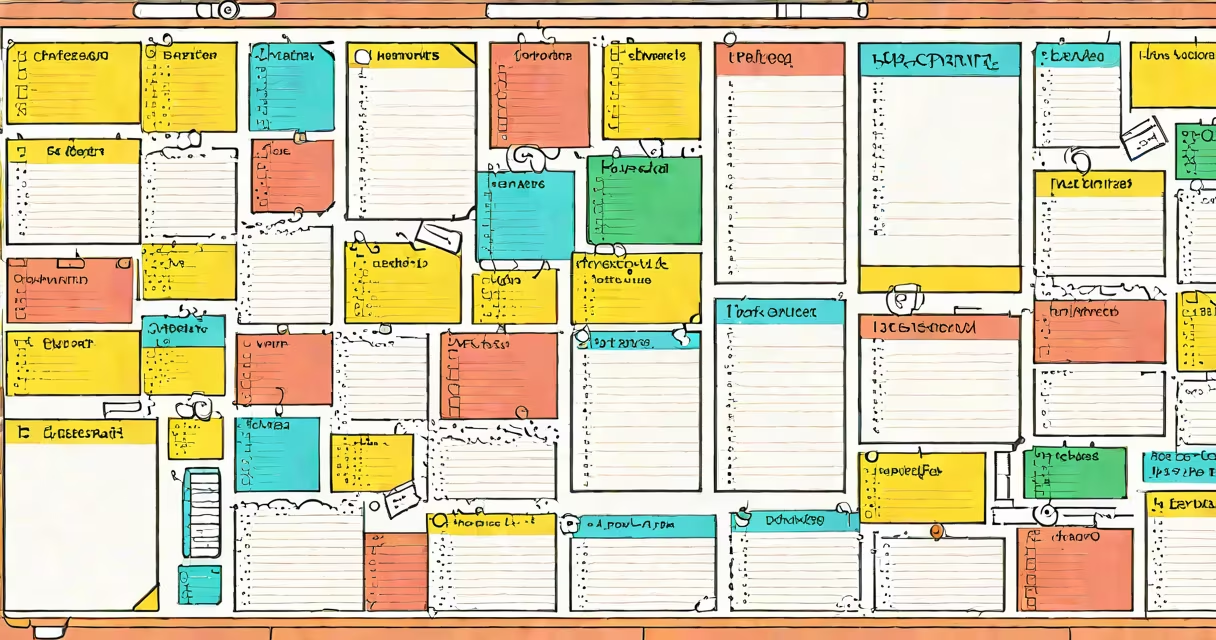
A backlog is a prioritized list of tasks, features, bugs, or enhancements that a team intends to address during a project's lifecycle. It serves as the single source of truth for upcoming work, especially in agile and product development environments.
In software development, the backlog is maintained by the product owner and updated regularly based on stakeholder feedback, market changes, or technical constraints. It ensures teams focus on high-value work while remaining adaptable to evolving requirements.
Backlogs are central to frameworks like Scrum and Kanban. They prevent scope creep by keeping all planned work visible and ranked by priority. Without a backlog, teams risk working on low-impact tasks or duplicating effort.
How a Backlog Works
Work items enter the backlog during planning phases or as new needs emerge. Each item includes a clear description, acceptance criteria, estimated effort, and priority level. The product owner assigns a relative priority-usually using MoSCoW (Must-have, Should-have, Could-have, Won't-have) or numerical scoring.
During sprint planning, the team selects items from the top of the backlog to commit to completing in the next iteration. Once completed, items are moved to "done" and removed from the active list. Items not selected may be reprioritized or revised based on new input.
For example, a mobile app team might maintain a backlog with 47 items. The top five include: "Implement biometric login," "Fix crash on startup," "Add dark mode toggle," "Improve image loading speed," and "Enable offline access." These are pulled into sprints based on business impact and technical feasibility.
Types of Backlogs
Backlogs exist in different forms depending on context. The most common are:
| Type | Description | Common Use Cases |
|---|---|---|
| Product Backlog | High-level list of features, enhancements, and fixes for a product. Maintained by the product owner. | Software products, SaaS platforms, long-term roadmaps |
| Sprint Backlog | Tasks selected from the product backlog for a specific sprint. Owned by the development team. | Two-week iterations, daily standups, sprint reviews |
| Release Backlog | Items grouped by release version. Tracks deliverables across multiple sprints. | Planned feature drops, major updates, beta testing cycles |
Some teams also maintain a "technical debt backlog" for refactoring, performance improvements, or security patches. This is often overlooked but critical for long-term system health.
Why Backlogs Matter
Backlogs reduce ambiguity. When a team knows what's coming next, they can plan resources, estimate timelines, and align stakeholders. A well-maintained backlog improves predictability and reduces last-minute firefighting.
According to the Scrum Guide, the product backlog is "an ordered list of everything that is known to be needed in the product." It is never complete-it evolves as the product matures.
One common mistake is treating the backlog as a static to-do list. It's not. It's a living document. I once observed a team that hadn't reviewed their backlog in six months. By then, 60% of the items were outdated or irrelevant. Re-prioritizing took two days and revealed duplicated efforts across teams.
What Backlogs Are Not
Backlogs are not project plans. A project plan defines start/end dates, milestones, and dependencies. A backlog focuses on *what* to build, not *when* or *how*. Confusing the two leads to rigid scheduling and missed flexibility.
They're also not a replacement for documentation. A backlog item like "add user profile page" lacks details on layout, authentication flow, or error handling. Those belong in design specs or API contracts-not the backlog.
Finally, backlogs aren't for tracking progress. Progress is measured through velocity, burndown charts, or completion rates. The backlog tracks intent, not execution.
Best Practices for Maintaining a Backlog
Keep backlog items small-ideally, they should be completable within a single sprint. Large items ("build entire checkout system") should be broken into subtasks like "design payment form," "integrate Stripe API," and "validate card numbers."
Review the backlog weekly. Remove obsolete items. Clarify vague descriptions. Re-prioritize based on customer feedback or business goals. Tools like Jira, Azure DevOps, or Trello support this workflow.
At my last role, we held a 15-minute backlog grooming session every Monday. We'd review the top 10 items, clarify acceptance criteria, and assign story points. This reduced sprint planning time by 40% and improved team confidence in estimates.
Backlogs fail when ownership is unclear. The product owner must actively manage priorities. Developers shouldn't decide what gets built-they should focus on how to build it efficiently.
Common Misconceptions
Many assume a backlog must be digital. While tools help, a physical whiteboard with sticky notes works too-especially for co-located teams. The key is consistency, not format.
Another myth: "The backlog should always be full." That's false. A healthy backlog has enough items to plan the next 2-3 sprints, but not so many that it becomes overwhelming. Aim for 1.5 to 2 times the capacity of your next sprint.
Also, backlog items aren't always user stories. Some are technical tasks ("refactor database schema"), research spikes ("investigate OAuth 2.0 implementation"), or infrastructure requests ("set up monitoring dashboard"). All qualify as backlog items.
Final Thoughts
Understanding what backlog means is essential for anyone involved in product delivery. It's not just a list-it's a strategic tool for alignment, prioritization, and adaptability.
When used correctly, the backlog becomes a shared understanding of value. Teams don't guess what to do next. They act based on verified needs and measurable outcomes.