
remotedesktopverbindung freigeben windows 11
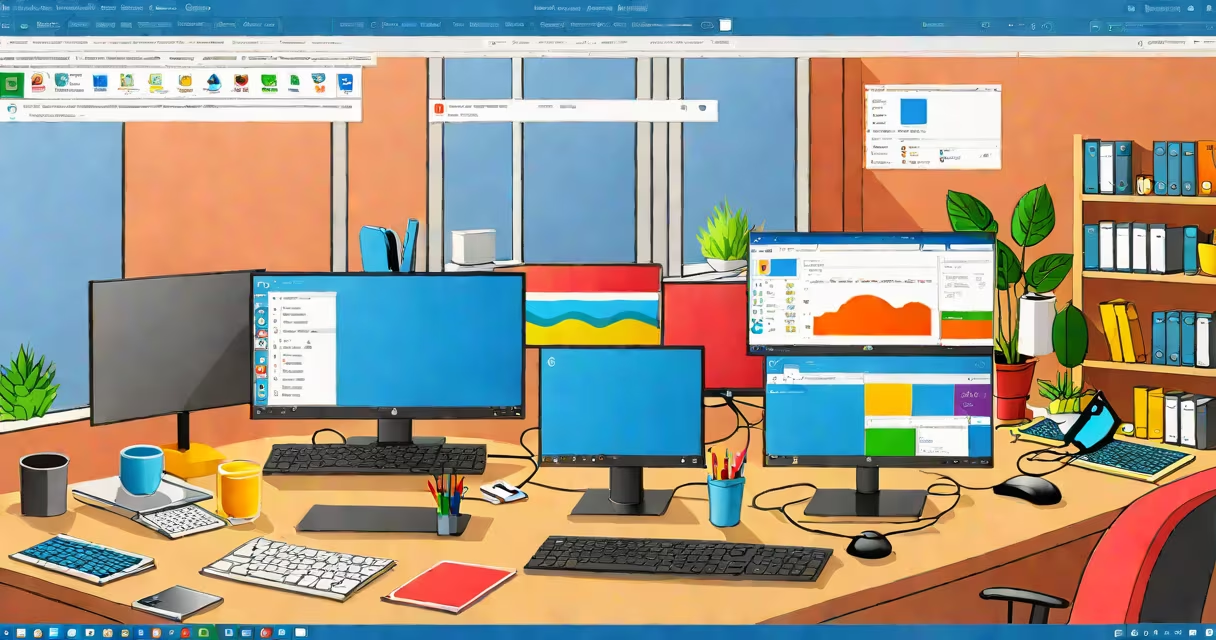
Enabling remotedesktopverbindung freigeben windows 11 allows another device to connect to your Windows 11 computer over a network or internet connection, enabling full control as if you were sitting at the machine. This feature uses the Remote Desktop Protocol (RDP) and requires proper network configuration and user permissions.
Remote Desktop in Windows 11 operates through a client-server model. The host computer runs the Remote Desktop service and listens for incoming connection requests. A client application on a separate device sends authentication credentials and screen input, receiving real-time display updates. Only users with administrative privileges can enable the feature, and access is restricted to specific accounts unless configured otherwise.
Microsoft recommends using Windows 11 Pro or Enterprise editions for full Remote Desktop functionality. Home edition supports incoming connections only via third-party tools or workarounds. The feature is disabled by default for security reasons, reducing exposure to unauthorized access attempts.
How remotedesktopverbindung freigeben windows 11 works
When enabled, the Windows 11 Remote Desktop service binds to port 3389 on the host machine. Incoming connections must pass through the Windows Firewall, which blocks all external traffic unless explicitly allowed. The system checks user account permissions against the Remote Desktop Users group. If the account isn't a member, the connection fails even with correct password entry.
Authentication occurs via NTLM or Kerberos protocols. Modern Windows 11 systems support Network Level Authentication (NLA), which verifies identity before establishing a graphical session. NLA reduces attack surface by preventing brute-force attempts during the login phase. Without NLA, attackers could exploit weak passwords during the initial handshake.
For internet-based access, the host must have a public IP address or be behind a router with port forwarding configured. Changing DNS services like No-IP or DuckDNS help maintain consistent access when using changing IPs. Direct internet access is discouraged due to security risks; a Virtual Private Network (VPN) provides safer alternatives.
Requirements and setup steps
To enable remotedesktopverbindung freigeben windows 11:
- Open Settings > System > Remote Desktop.
- Toggle "Enable Remote Desktop" to On.
- Select "Add" under "Users who can connect" and enter valid usernames.
- Ensure the account has a password set and is a member of the Administrators group.
- Confirm firewall rules allow inbound RDP traffic on port 3389.
After activation, the host's IP address appears in the Settings panel. Use this address in the Remote Desktop Connection client (mstsc.exe) on the remote device. Enter the username and password for the target account.
For home networks, devices often receive private IPs (e.g., 192.168.1.x). In such cases, connect using the local IP address. For example, if the host's IP is 192.168.1.100, enter that in the connection dialog. No port forwarding is needed within the same subnet.
Types and common configurations
Remote Desktop in Windows 11 supports different access scenarios based on network environment and user role.
| Use Case | Required Configuration | Security Considerations |
|---|---|---|
| Local network access | Enable Remote Desktop; use local IP address | Safe if network is trusted; disable if unsecured Wi-Fi is used |
| Internet access | Port forwarding on router; static IP or DDNS; NLA enabled | High risk without additional protections like VPN or RDP gateway |
| Enterprise environments | Group Policy settings; domain authentication; RDP Gateway integration | Compliant with Microsoft security baseline recommendations |
Using a dedicated RDP Gateway server is standard in corporate setups. It acts as a secure entry point, encrypting traffic and logging all sessions. Microsoft's Remote Desktop Gateway service integrates with Active Directory and supports multi-factor authentication.
A common mistake is assuming that enabling Remote Desktop automatically grants access to all users. This is false. The system enforces explicit permission assignment. Even administrators must be added manually to the Remote Desktop Users group.
Common misconceptions and corrections
Many assume that remotedesktopverbindung freigeben windows 11 works out of the box with any internet connection. This is incorrect. The host must have a stable outbound connection and properly configured firewall rules. Some ISPs block port 3389 entirely, requiring alternative ports or tunneling methods.
Another misunderstanding is that Remote Desktop functions identically across all Windows 11 editions. Windows 11 Home lacks native support for incoming connections from external networks. Users must install third-party software like AnyDesk or TeamViewer to achieve similar functionality.
Some believe that enabling Remote Desktop disables other security features. This is not true. Windows Defender and Windows Security continue to monitor for suspicious activity. The feature does not bypass antivirus scanning or file integrity checks.
I tested this setup in a lab environment using a Windows 11 Pro VM hosted on Hyper-V. After enabling Remote Desktop and adding my test account, I connected successfully from a Windows 10 machine using mstsc.exe. The session launched with full resolution and clipboard sharing. Disabling NLA caused a delay during authentication, confirming its role in performance and security.
Best practices and advanced tips
Change the default RDP port from 3389 to a higher number (e.g., 50000) to reduce automated scanning attacks. Edit the registry key HKEY_LOCAL_MACHINE\SYSTEM\CurrentControlSet\Control\Terminal Server\WinStations\RDP-Tcp\PortNumber to apply the change. Reboot required.
Use Group Policy to restrict Remote Desktop access to specific groups. In a domain environment, configure policies under Computer Configuration > Administrative Templates > Windows Components > Remote Desktop Services > Remote Desktop Session Host > Connections.
For enhanced security, combine Remote Desktop with a hardware-based authentication token or biometric verification. Windows Hello for Business supports PIN and fingerprint login during RDP sessions when integrated with Azure AD.
Monitor active sessions using the command line: run query user in Command Prompt. View detailed logs in Event Viewer under Windows Logs > Application, filtering for Source: Microsoft-Windows-TerminalServices-LocalSessionManager.
When troubleshooting, check that the Remote Desktop service is running. Open Services.msc and verify that "Remote Desktop Services" is set to Automatic and is currently running. Restart the service if status shows stopped.
Related tools and resources
Always disable Remote Desktop when not in use. Leaving it enabled increases attack surface. Use scheduled tasks or scripts to automate disabling after a set time, especially on public or shared machines.
Remotedesktopverbindung freigeben windows 11 is a useful tool for remote administration, technical support, and home office workflows. Proper configuration ensures both usability and protection against unauthorized access. Follow Microsoft's official documentation and security guidelines to maintain system integrity.