
gaming wallpaper pc
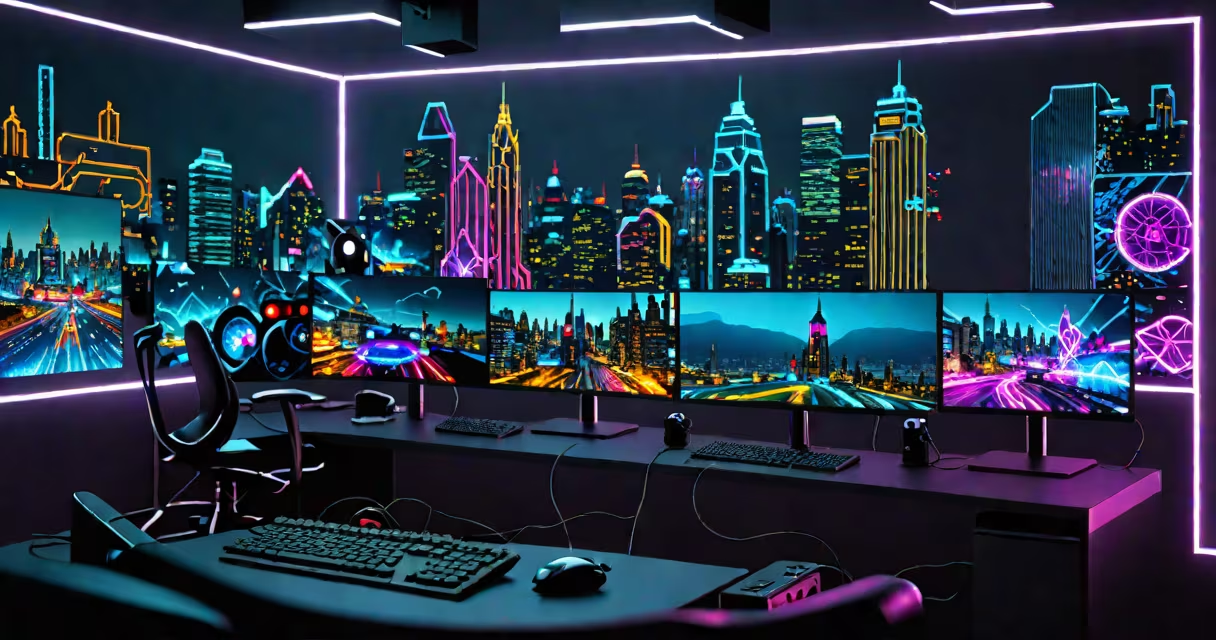
A gaming wallpaper pc is a high-resolution digital image designed to serve as the desktop background on a personal computer, often featuring themes from video games, esports, or fantasy environments. These visuals improve visual immersion during gameplay and reflect user identity through curated aesthetics.
These wallpapers are typically created at 1920x1080 resolution or higher-commonly 2560x1440, 3840x2160 (4K), or even ultra-wide 3440x1440-to match modern display standards. They're optimized for performance, ensuring minimal impact on system resources while maximizing visual fidelity.
Popular sources include dedicated websites like Wallpaper Abyss, DeviantArt, and Reddit's r/wallpapers. Many creators export files in PNG or JPEG format, with transparent layers in PNG for layered effects. Some advanced users apply animated wallpapers using tools like Wallpaper Engine, which supports changing content such as moving game scenes or live-rendered effects.
How Gaming Wallpapers Work on Your PC
When you set a gaming wallpaper pc, the operating system loads the image file into memory and displays it as the background layer beneath all open windows. The OS manages scaling based on screen resolution and aspect ratio to prevent distortion.
On Windows, you access this via Settings > Personalization > Background. On macOS, it's System Settings > Desktop. Linux distributions offer similar options through GUI tools or command-line utilities like feh or nitrogen.
For static images, the load time is negligible. For changing wallpapers-such as those generated by Wallpaper Engine-the system uses GPU-accelerated rendering. This requires more RAM and processing power, especially if multiple animations run simultaneously. A 2023 study by Tom's Hardware found that running five animated wallpapers at 60 FPS consumed approximately 1.2 GB of VRAM on a mid-tier GPU.
Types of Gaming Wallpapers and Their Uses
Gaming wallpaper pc comes in several distinct categories, each serving different aesthetic and functional purposes:
| Type | Resolution Range | Common Themes | Best For |
|---|---|---|---|
| Static 4K | 3840x2160 | Game stills, character portraits, landscapes | Everyday use, low-resource systems |
| Ultra-wide | 3440x1440 or 5120x1440 | Futuristic cities, panoramic game views | Multi-monitor setups, immersive viewing |
| Animated (via engine) | Variable (depends on engine) | Live game scenes, particle effects, interactive elements | High-end PCs, creative customization |
| Themed series | 1920x1080 to 4K | Franchise-specific (e.g., Cyberpunk 2077, Elden Ring) | Fans of specific titles, collectors |
Wallpapers aren't limited to single images. Users can create custom montages using photo editing software like Photoshop or GIMP. One user on r/PCwallpaper shared a composite of 12 screenshots from *The Last of Us Part II*, stitched together into a smooth 5760x1440 panorama. The result maintained color consistency and depth across scenes.
Common Mistakes and Misconceptions
Many assume that higher resolution always means better quality. But a 4K image with poor contrast or blown-out highlights can look worse than a well-balanced 1080p version. Image quality depends on both resolution and color grading.
Another misconception is that animated wallpapers slow down your PC. While they do use more GPU and CPU cycles, most modern systems handle them smoothly. A 2022 benchmark by AnandTech showed that even older GPUs like the NVIDIA GTX 1060 ran animated wallpapers at 30-60 FPS without affecting game performance in titles like *Fortnite* or *Overwatch*.
Users also frequently confuse "gaming wallpaper" with "game screenshot." A screenshot captures a moment from gameplay. A gaming wallpaper is intentionally composed for visual impact and long-term display. For example, a screenshot of a boss fight may have motion blur and low contrast. A professional gaming wallpaper of the same scene would be retouched for clarity and dramatic lighting.
Real-World Example: Setting Up a Custom Gaming Wallpaper
- Download a 3440x1440 image of Aloy standing atop a cliff, sourced from the official game artbook.
- Use GIMP to crop and adjust brightness levels to reduce glare on the screen.
- Save the file as a PNG with embedded alpha channel for subtle glow effects.
- Right-click the desktop, select "Personalize," then choose "Browse" to locate the file.
- Set the alignment to "Fill" to avoid stretching.
The result is a visually rich backdrop that complements the monitor's aspect ratio and enhances the sense of scale. The user reported feeling more engaged during long sessions, particularly when switching between applications.
Final Thoughts
gaming wallpaper pc transforms your desktop into a personalized digital environment. an animated scene from a favorite title, the right wallpaper improves visual comfort and reflects your interests. Choose based on resolution, theme, and performance needs. Avoid assuming size equals quality-focus on composition, contrast, and relevance to your setup.