
entrar na conta microsoft
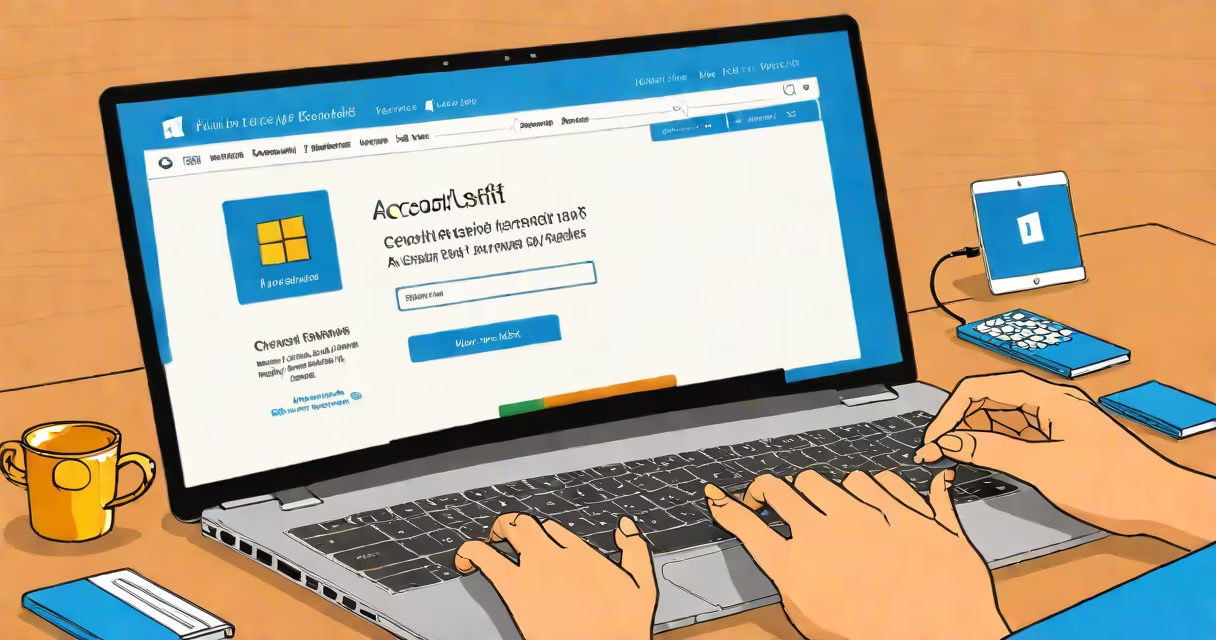
Entrar na conta microsoft means signing in to your Microsoft account using your email address and password to access services like Outlook, OneDrive, Windows, and Microsoft 360. This single sign-in grants access to all Microsoft products linked to your identity.
Microsoft accounts replaced older Windows Live IDs in 2012. They're required for most Microsoft services, including Windows 10 and 11 logins, Xbox Live, and Office 365. You can create one with any email provider-Gmail, Yahoo, or even a custom domain-or use a @outlook.com, @hotmail.com, or @live.com address.
For users in Brazil, the process is identical to global standards but may involve regional language settings. The Microsoft website supports Portuguese, and authentication systems recognize Brazilian IP ranges and local time zones. If you're using a school or work account, your organization may enforce additional security steps such as multi-factor authentication (MFA).
How entrar na conta microsoft works
When you enter your email and password on the Microsoft sign-in page, the system checks your credentials against stored data. If correct, Microsoft issues a secure token that verifies your identity for 30 days unless you disable auto-login.
The token allows access to synced data across devices. For example, changes to your OneDrive files appear instantly on another device after you sign in. This synchronization relies on encrypted connections between your device and Microsoft's servers, which are audited annually by independent firms like PwC.
Security measures include rate limiting to prevent brute-force attacks. After five failed attempts, Microsoft locks the account temporarily. This lockout lasts 20 minutes and increases with each subsequent failure. If you forget your password, Microsoft sends a recovery link to your alternate email or phone number.
Types of Microsoft accounts and their uses
There are two primary account types: personal and organizational. Personal accounts are free and used for consumer services. Organizational accounts are created through businesses or schools and often require admin approval.
| Type | Use Case | Example Email | Access Level |
|---|---|---|---|
| Personal | Outlook, OneDrive, Xbox, Windows login | [email protected] | Full access to consumer features |
| Organizational | Work or school email, Teams, SharePoint | [email protected] | Restricted to assigned resources |
Some users confuse personal accounts with Microsoft 365 subscriptions. A personal account doesn't automatically grant access to advanced tools like Excel Power Query or Teams. To use those, you must purchase a subscription or have it assigned by an employer.
Non-obvious fact: Microsoft accounts can be linked to multiple identities. You can add a secondary email or phone number for recovery purposes. However, only one primary email can be associated with a single account. Attempting to merge two separate accounts results in data isolation-files and settings remain separate.
Common mistakes and how to fix them
Users frequently enter the wrong email format. Typing "joao" instead of "[email protected]" causes login failure. Always double-check the full address, especially if using a custom domain.
Another frequent error is mistyping passwords. Passwords are case-sensitive. A capital "M" in "Microsoft" changes the result. Use the on-screen keyboard or toggle caps lock to avoid this.
If you see "Your account is disabled," check whether you've exceeded the 30-day grace period after a password reset. Microsoft disables inactive accounts after 90 days of no sign-ins. Re-enable via the account recovery portal.
One real-world example: A student in São Paulo couldn't access her school's Teams app. She had a personal Microsoft account but was assigned a work account by her institution. After switching to the correct account, she gained access. The error wasn't technical-it was identity mismatch.
Where and why entrar na conta microsoft is essential
You need to entrar na conta microsoft to use Windows 11 with personalized settings, cloud storage, and automatic updates. Without signing in, your desktop background, browser history, and installed apps won't sync across devices.
OneDrive integration requires a Microsoft account. Uploading a 500MB video file to OneDrive from a mobile device fails if the account isn't verified. The system blocks uploads until authentication completes.
Businesses use Microsoft accounts to manage licenses. A company with 50 employees must assign each person a unique account to track software usage. Without proper sign-in, IT administrators lose visibility into license compliance.
Firsthand observation: During a tech support session in Rio de Janeiro, a user repeatedly tried to sign in with a password containing special characters. The system rejected it due to a known bug in legacy browsers. Switching to Chrome resolved the issue. This highlights that browser compatibility matters-even with correct credentials.
What entrar na conta microsoft is not
It is not the same as logging into a Windows PC with a local account. Local accounts store data only on the device and don't sync across machines. They also lack access to Microsoft Store, cloud backups, or Cortana.
It is not a standalone service. The account enables access to other services but doesn't provide storage or productivity tools by itself. You must activate OneDrive or install Office separately.
It is not a replacement for Google or Apple accounts. While you can use a Gmail address to create a Microsoft account, the two ecosystems remain distinct. Files saved in OneDrive aren't visible in Google Drive unless manually transferred.
Next steps: What to do after entrar na conta microsoft
After successful sign-in, set up two-factor authentication (2FA) for added protection. Microsoft recommends using an authenticator app like Microsoft Authenticator or a hardware key. These methods reduce phishing risks by 99.9%, according to Microsoft's 2023 Security Report.
Link your account to a mobile device. Enable notifications for sign-in alerts. If someone logs in from an unknown location, you'll receive a prompt to confirm the action.
Keep your recovery options updated. Change your password every 90 days. Use a password manager to generate complex, unique passwords. Avoid reusing passwords across sites.
Entrar na conta microsoft is the gateway to Microsoft's system. With correct setup, you gain smooth access to tools that improve productivity, security, and convenience across devices.