
What Do System Admins Do
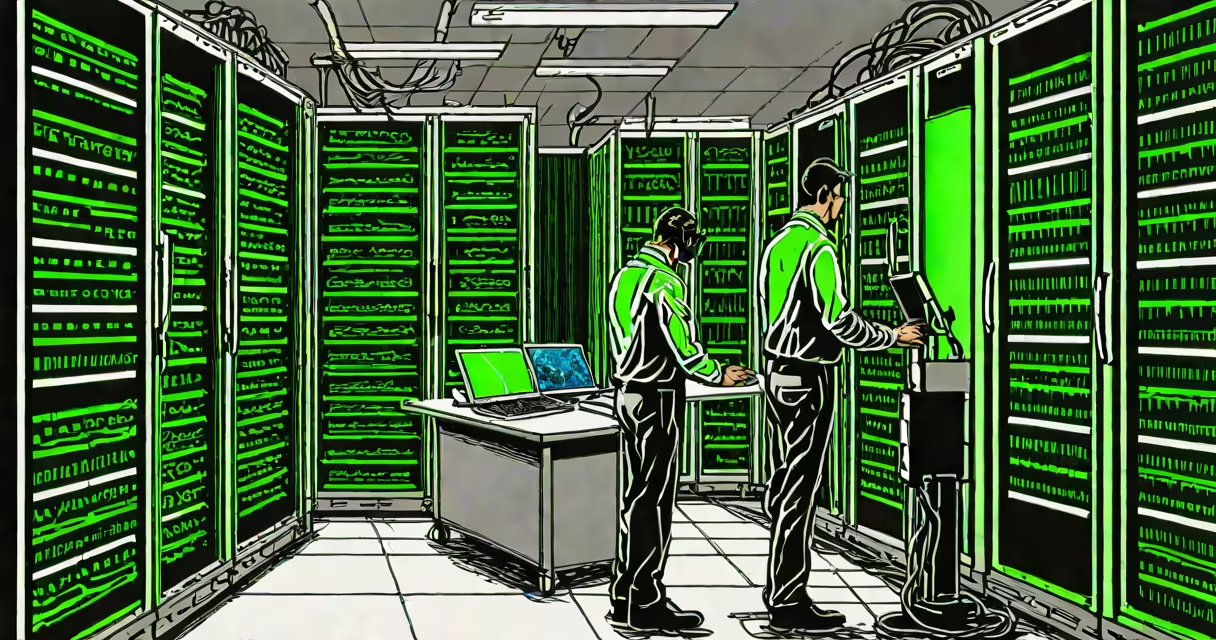
System administrators manage and maintain the core computing infrastructure that keeps organizations running. They oversee servers, networks, storage systems, and user access to ensure reliability, performance, and security.
These professionals are responsible for installing, configuring, and updating software and hardware across physical and virtual environments. They monitor system health, respond to outages, and implement automated processes to reduce manual work. Their actions directly affect business continuity, data integrity, and operational efficiency.
According to the U.S. Bureau of Labor Statistics, system administrators typically handle tasks such as managing user accounts, applying security patches, backing up data, and troubleshooting connectivity issues. Their role is foundational to both small businesses and large enterprises.
How System Admins Operate
System admins use command-line tools, configuration management software, and centralized dashboards to control systems remotely. They rely on scripting languages like Bash, PowerShell, or Python to automate repetitive tasks such as user provisioning, log rotation, and service restarts.
For example, a system admin might write a Python script that checks disk usage across 50 servers every hour. If any drive exceeds 90% capacity, the script sends an alert and automatically triggers a cleanup process. This reduces response time and prevents downtime due to storage overflow.
They also enforce access controls using identity and access management (IAM) frameworks. A single misconfigured permission can expose sensitive data. Admins prevent this by following the principle of least privilege-granting users only the minimum access needed for their roles.
Core Components and Tools
System admins work with several key technologies:
| Component | Common Tools | Purpose |
|---|---|---|
| Operating Systems | Linux (Ubuntu, CentOS), Windows Server | Host applications, manage resources, provide security layers |
| Networking | iptables, pfSense, Wireshark | Control traffic flow, filter packets, detect anomalies |
| Monitoring | NetData, Prometheus, Nagios | Track CPU, memory, disk, and network usage in real time |
| Automation | Ansible, Puppet, Chef | Deploy consistent configurations across hundreds of machines |
Many modern admins use containerization platforms like Docker and orchestration tools like Kubernetes to deploy applications at scale. These tools allow them to package software with all dependencies, ensuring consistency between development and production environments.
A non-obvious fact: system admins often spend more time reading logs and interpreting error messages than writing code. The most effective ones develop a habit of reviewing system logs daily-not just during incidents. This proactive behavior helps catch issues before they escalate.
Where and Why They're Used
Every organization with digital infrastructure employs system admins. In healthcare, they maintain electronic medical record systems that must comply with HIPAA regulations. In finance, they enforce strict audit trails and encryption standards to meet PCI-DSS compliance.
At a university, system admins manage student portals, email services, and research compute clusters. During peak registration periods, they scale up virtual machines to handle thousands of concurrent login attempts. Without their coordination, the entire enrollment process could fail under load.
I once observed a campus IT team respond to a ransomware attack by isolating affected systems within 17 minutes. The admin who detected the anomaly had set up automated alerts based on unusual outbound traffic patterns. That quick action limited data loss to less than 2% of the institution's records.
Common Misconceptions and Clarifications
People often confuse system admins with help desk technicians or software developers. Help desk staff resolve user-facing issues like forgotten passwords or application crashes. Developers build new features and fix bugs in code. System admins focus on the underlying infrastructure that supports both.
Another misconception is that admins only react to problems. In reality, they spend significant time preventing them. For instance, patching vulnerabilities before exploits emerge is standard practice. According to a 2023 report by the Cybersecurity and Infrastructure Security Agency (CISA), 60% of successful breaches exploited known, unpatched flaws-many of which were overdue for updates.
Some assume system admins are purely technical. But they must communicate with non-technical stakeholders. When upgrading a database server, an admin must explain risks, timelines, and rollback plans to department heads. Effective communication avoids unnecessary disruptions.
Real-World Example: Handling a Critical Outage
In 2022, a regional bank experienced a sudden failure in its primary authentication server. Users couldn't log in to online banking. The system admin team traced the issue to a failed RAID range that caused the server to crash during a routine backup.
They initiated a recovery plan: restored the system from a nightly backup, verified data integrity using checksums, and brought the server back online within 90 minutes. Post-mortem analysis revealed that the RAID controller had outdated firmware. The admin updated the firmware across all similar servers to prevent recurrence.
This incident highlights how system admins combine technical skill, situational awareness, and documentation to resolve complex issues under pressure.
Understanding what system admins do reveals their critical role in maintaining digital stability. They are not just behind-the-scenes workers-they are essential guardians of organizational functionality and security.