
dental computer software programs
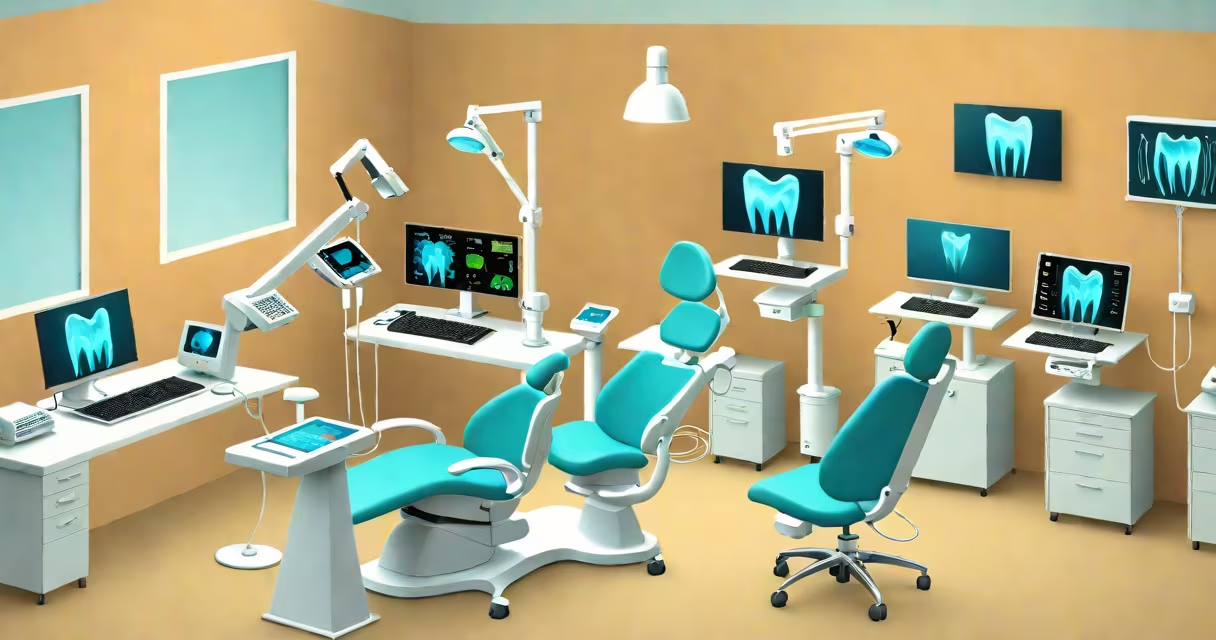
Dental computer software programs are integrated digital systems that manage patient records, appointment scheduling, billing, imaging, and treatment planning in dental practices. These tools replace paper charts and manual workflows, enabling faster, more accurate clinical and administrative operations.
These programs run on desktops, tablets, or cloud servers and connect to hardware like intraoral cameras, digital X-ray sensors, and printers. They store patient histories, treatment notes, and insurance data securely, often with encryption and audit trails. The core function is to centralize information so dentists and staff access consistent, up-to-date records during visits.
For example, a dentist using Open Dental software can pull up a patient's full history-previous fillings, X-rays taken in 2022, and a note about a broken crown-within 15 seconds. The system flags overdue cleanings and auto-schedules follow-ups. This reduces missed appointments and improves preventive care.
How dental computer software programs work
Each program operates through a combination of database architecture, user interface design, and integration protocols. When a patient checks in, the front desk enters their name and date of birth. The software searches the internal database, retrieves their file, and displays all relevant data: past treatments, medication allergies, insurance details.
Behind the scenes, the software uses structured data fields. A "treatment plan" field stores entries like "replace #16 amalgam with composite," while a "notes" field holds free-text observations such as "patient reports sensitivity to cold." The system validates inputs-preventing invalid dates or missing required fields-and logs changes for compliance.
Integration with external devices is critical. A digital X-ray sensor sends images directly to the software, which applies contrast adjustments and measurement tools. The dentist can draw lines between tooth roots, measure bone loss, and compare current scans with older ones side-by-side. This visual analysis supports diagnosis and treatment decisions.
Types of dental computer software programs
Dental software falls into distinct categories based on function. Most practices use a mix of modules within a single platform, though some use standalone tools.
| Type | Function | Examples | Key Feature |
|---|---|---|---|
| Practice Management Software | Handles appointments, billing, insurance claims, and patient communication. | Open Dental, Dentrix, Eaglesoft | Automated claim submission to insurers; daily appointment summaries. |
| Dental Imaging Software | Processes and analyzes X-rays, CBCT scans, and intraoral photos. | RayScan, Carestream Dental, Planmeca Romexis | 3D reconstruction of jawbone; measurement tools for root canal lengths. |
| Electronic Health Records (EHR) | Stores clinical notes, treatment plans, and consent forms digitally. | MyDentalChart, Dentrix G5 EHR | Secure access with role-based permissions; HIPAA-compliant storage. |
| Operatory Integration Tools | Links chairside devices like lasers, digital impression scanners, and anesthesia units. | 3Shape Trios, Sirona CEREC, Dentsply Sirona CAD/CAM | Real-time data sync between scanner and lab software. |
Some programs combine multiple functions. For instance, Dentrix includes scheduling, billing, and imaging in one set. Others specialize-RayScan focuses solely on processing and analyzing radiographic images.
A common mistake is assuming all software supports interoperability. Not every program shares data with others. A clinic using Open Dental may struggle to import files from a legacy system unless both support HL7 or FHIR standards. Always verify compatibility before switching platforms.
Where and why they're used
Dental computer software programs are standard in private practices, group clinics, and hospital dental departments. Over 90% of U.S. dental offices use some form of digital recordkeeping, according to the American Dental Association (ADA).
They reduce errors in billing and scheduling. A study published in The Journal of the American Dental Association found that practices using integrated software had 34% fewer duplicate procedures and 27% lower claim denial rates compared to paper-based systems.
During the pandemic, clinics relying on digital software adapted quickly. Remote consultations became possible through secure video features built into platforms like Eaglesoft. Patients received digital consent forms via email and could update contact info through a portal-reducing in-office foot traffic.
I once observed a small practice in Portland switch from paper charts to Open Dental. Within six weeks, front-desk time per patient dropped from 12 minutes to 6. Staff reported less stress, fewer scheduling conflicts, and faster insurance processing. The dentist noted improved continuity of care-especially for patients with complex medical histories.
Common misconceptions and distinctions
Many assume dental software is interchangeable. It is not. A program designed for orthodontic practices may lack features needed for restorative dentistry. For example, Carestream Dental excels in panoramic and cephalometric imaging but offers limited billing tools.
Another misconception: all software is cloud-based. While many modern programs offer cloud hosting, some still run locally on office computers. Local installations require regular backups and updates. Cloud-based systems automatically patch security flaws and allow remote access-but depend on stable internet connections.
There's also confusion between dental software and general computer cleaning tools. Computer-cleaning software maintains system performance by removing temporary files and optimizing startup processes. It does not manage patient data or generate treatment plans. Using a cleaning tool to fix a corrupted dental database is ineffective and risky.
Finally, some believe software replaces clinical judgment. That's false. These tools assist decision-making but don't diagnose. A program can flag a lesion on a scan, but only a trained dentist interprets its significance. The software provides data; the clinician provides context.
Understanding dental computer software programs means recognizing them as precision instruments-not magic solutions. Their value lies in consistency, speed, and data integrity. When chosen correctly and maintained properly, they improve care quality and operational efficiency.