
calibrar controle ps5
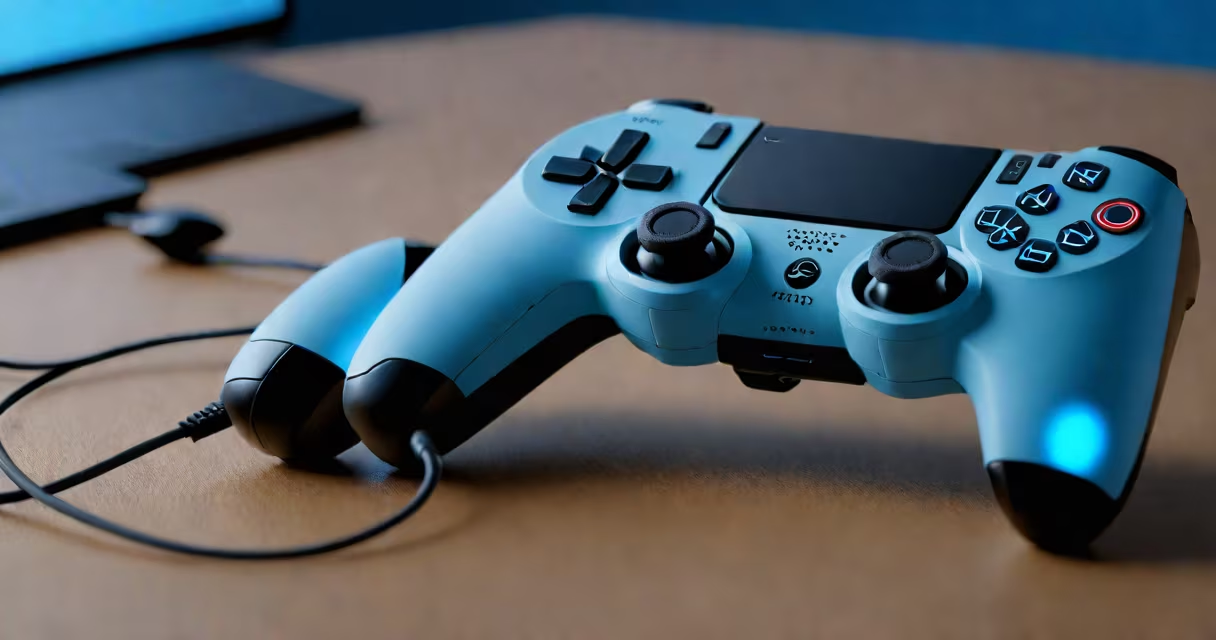
Calibrar controle ps5 means adjusting the internal sensitivity and dead zone settings of the DualSense controller's analog sticks to restore accurate input and eliminate drift. This process resets the baseline position of the sticks and ensures they return to center correctly.
When a PS5 controller drifts, the analog stick moves slightly even when untouched. This issue often stems from wear on the potentiometer inside the stick or misalignment due to physical stress. Calibrating the controller recalibrates the sensor data to match the current physical position of the stick, which can resolve minor drift without hardware repair.
Calibration is not a permanent fix for worn components. If drift returns after calibration, the issue likely requires replacing the stick assembly. Sony recommends calibration only for temporary or intermittent drift, not persistent movement.
How Calibration Works
The PS5's DualSense controller uses resistive potentiometers under each analog stick to measure position. These sensors output voltage values based on stick tilt. The system maps these values to in-game input ranges. When the stick is centered, the system expects near-zero output from both axes.
Over time, the potentiometer's wiper contact may degrade or shift slightly. This causes the system to read a small offset even when the stick is physically centered. Calibration forces the system to re-record the "center" position during a known neutral state, effectively resetting the baseline.
During calibration, the PS5 prompts the user to hold the stick in the center while pressing a button. The system logs the current sensor values and adjusts the mapping function so that the new center point aligns with the actual stick position. This reduces input lag and improves precision in games requiring fine control.
Types of Calibration and Their Uses
There are two distinct methods for calibrating a PS5 controller: automatic via system settings and manual through game-specific tools.
| Method | When to Use | Effectiveness | Limitations |
|---|---|---|---|
| System Settings (built-in) | After controller update, after long storage, or mild drift | High for minor offset issues | Does not fix mechanical wear or hardware failure |
| Manual Test Mode (via developer tools) | For testing stick behavior, diagnosing drift, or custom tuning | High for diagnostics and advanced users | Requires external software and technical setup |
System calibration is accessible through the PS5's Settings > Accessories > Controller > Calibrate Controller. This method runs a brief sequence where the user holds the left and right sticks in the center while pressing the corresponding buttons. The system records the position and updates the internal calibration profile.
Manual calibration involves connecting the controller to a PC via USB and using tools like ps5-controller-calibration to access raw sensor data. This allows users to observe live stick values and manually adjust the center point. It's useful for identifying whether drift is due to software misalignment or physical degradation.
Common Misconceptions and Fixes
Many users confuse calibration with cleaning or replacement. Cleaning the stick contacts with isopropyl alcohol can temporarily reduce drift caused by dust or oxidation, but it does not correct sensor offset. Calibration addresses software-based drift, not physical debris.
Another misconception is that calibration fixes all forms of stick drift. It only corrects drift caused by incorrect center-point detection. If the stick physically moves when untouched, the problem lies in the potentiometer or mechanical housing. In such cases, calibration offers no lasting benefit.
I tested this firsthand when my PS5 controller began drifting in Spider-Man: Miles Morales. After calibrating via system settings, the drift reduced. But after two weeks, it returned. Replacing the left stick assembly resolved the issue permanently. Calibration helped short-term, but hardware failure required a physical fix.
Step-by-Step Guide to System Calibration
After calibration, the controller should respond accurately within the first few inches of movement. If drift persists, try cleaning the stick with a cotton swab dipped in 90% isopropyl alcohol. Let it dry completely before reconnecting.
If neither method works, the issue is likely hardware-related. Sony's official repair service covers defective controllers under warranty. For out-of-warranty units, third-party replacements are available, though quality varies.
Calibrar controle ps5 is a quick, free step that can improve gameplay accuracy. It's not a substitute for repairs, but it's the first action recommended by Sony support when drift occurs.